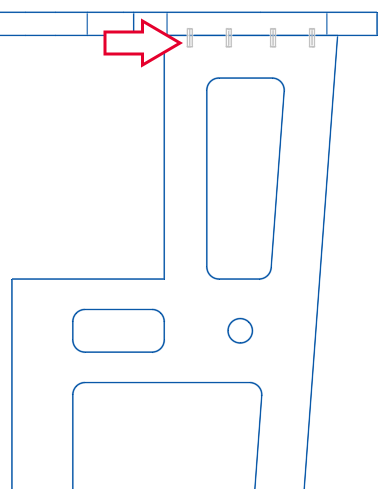
Assign connectors at edges of contour parts
To be able to assign connectors to edges of an Object Designer’s contour part, the field "Connector" has been added to the edge properties. Here, you can open the Element Manager and select the Connector principle.
Example: connector between counter top and side parts
In the Object Designer mode of the iXplorer, the edge 6 of a side view segment is selected, which abuts the counter top plate. Dowels are assigned via the "Connector" properties field.
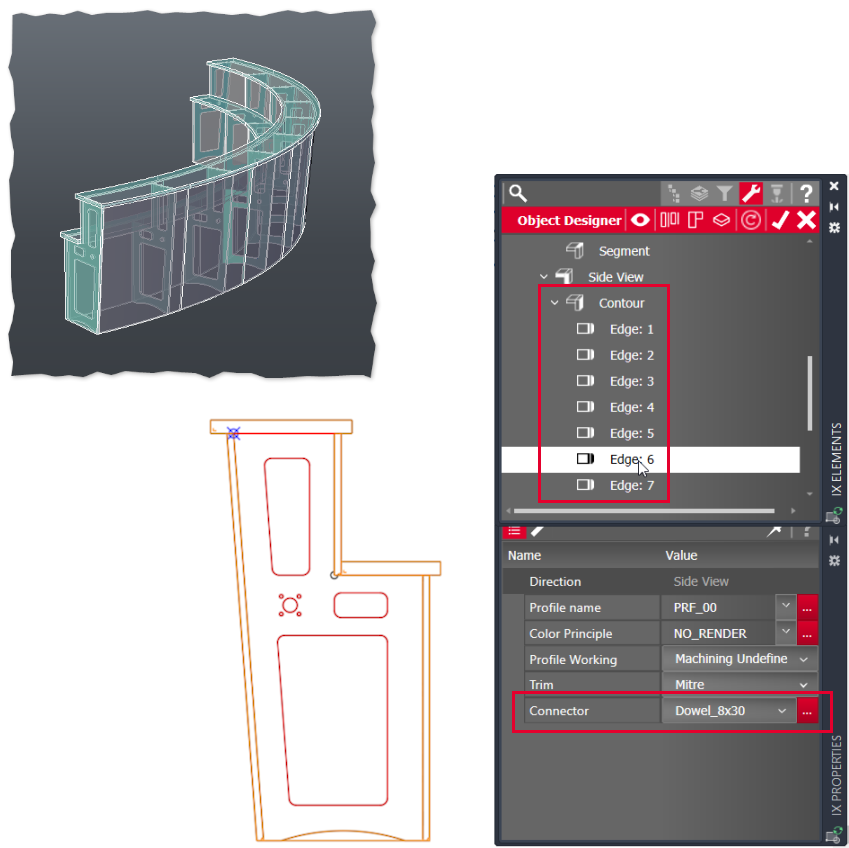
Result: Dowel connectors have been inserted between the counter top and all side parts.