
Enhancements for fittings and machinings
Move Connector Sets between different types
You can now subsequently assign existing Connector Sets to another Connection Type. The characteristics definitions in the Set are retained.
Procedure:
- Right click on the Connector Set principle that is to be moved and select Cut in the context menu.
- Right-click the target Connection Type folder and select Paste and convert from the context menu.
Note: If the properties in the target Connection Type folder do not correspond to the properties in the moved Connector Set principle, the Connector Sets might no longer be found via the Connection Scan.
Connection Scan filters
The following filters have been enhanced or added in the Connection Scan.
| Characteristics | Description |
| Supplier | Filter for the supplier name. |
| Colour | Filter for the connector color. |
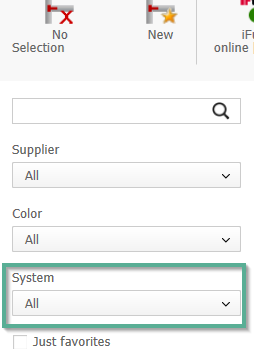
| System |
Filter for the connector system name (“product family” name). Searches for the system name in Connectors and Connector Sets. |
Image: Filter System in the Connection Scan
Connector Set prioritization by minimum or maximum of a characteristic value
In order to prioritize Connector Sets specifically according to either the minimum or maximum of the permissible value range of a characteristic, the following options have been added to the column Sort sequence in the Connection Type principle:
- Descending minimum value
- Ascending minimum value
- Descending maximum value
- Ascending maximum value
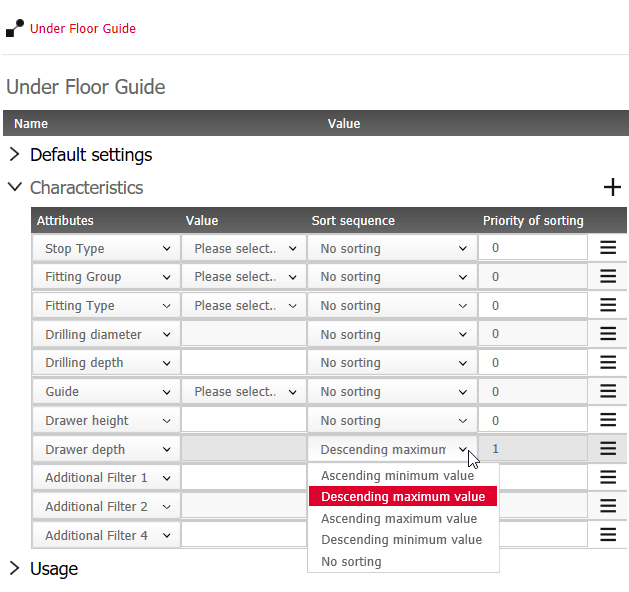
Example: prioritization according to drawer height
-
Result if Sort sequence=Ascending minimum value:
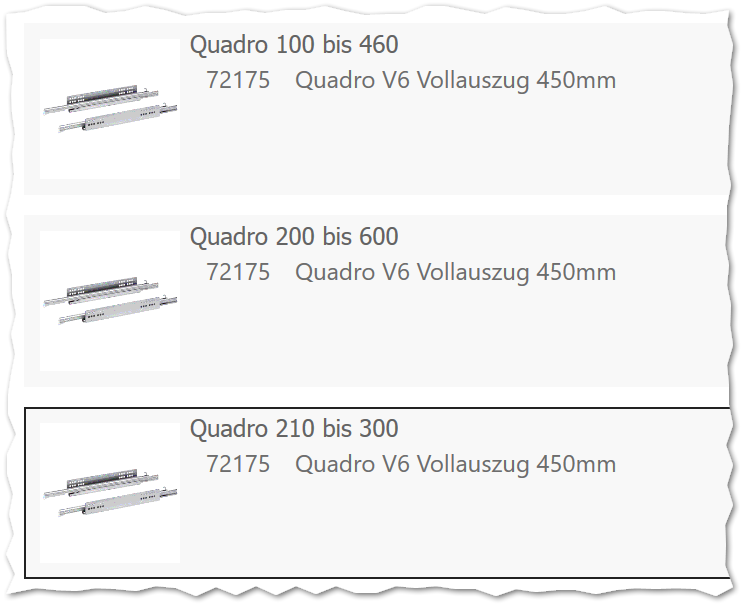
-
Result if Sort sequence =Descending maximum value
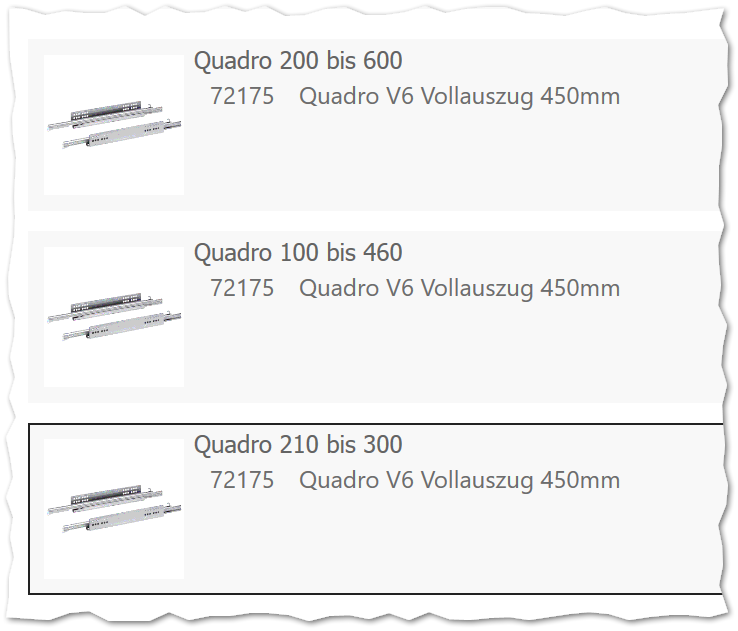
-
Result if Sort sequence =Ascending maximum value
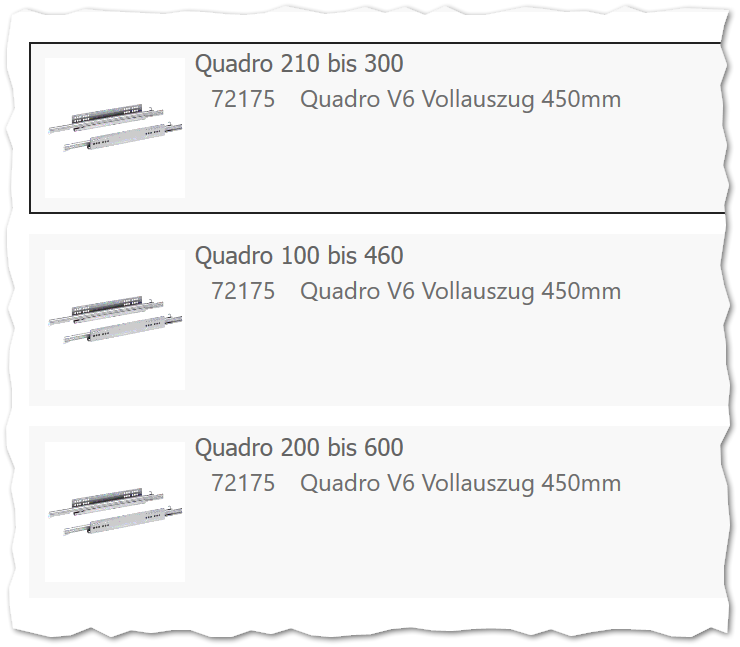
-
Result if Sort sequence=Descending minimum value:
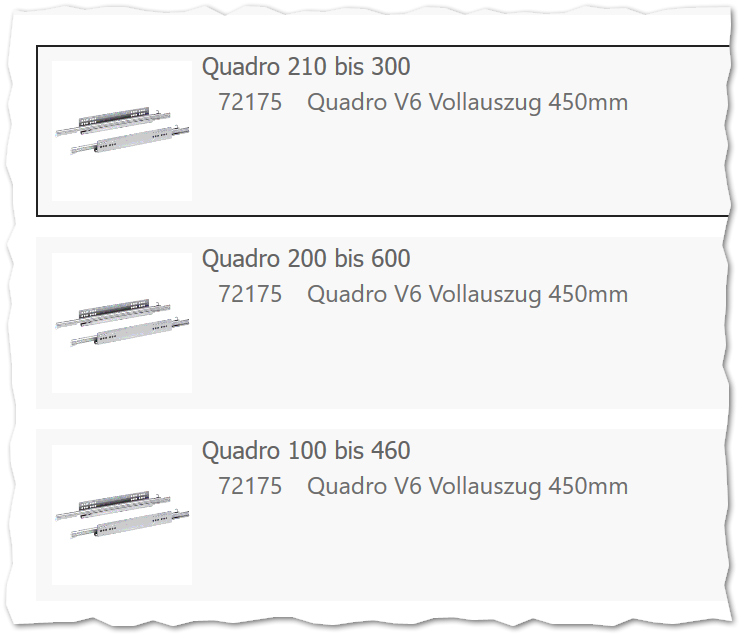
New Connector characteristic for revolving doors: Insertion inset (mounting plate)
For revolving door connectors, the connector characteristic Insertion inset (mounting plate) has been added, where you define the offset into the carcass in mm.
With an inset door, the value causes all machinings and DWGs with the part number 1 (the carcass side) to be moved backwards by this value.
The value has no effect on onset doors.
Example: The characteristic can be entered specifically for the hinge component (of the concealed hinge) or for the mounting plate. If the characteristic is entered for both, then both values will be added up.
Optimization of the sliding door connector settings
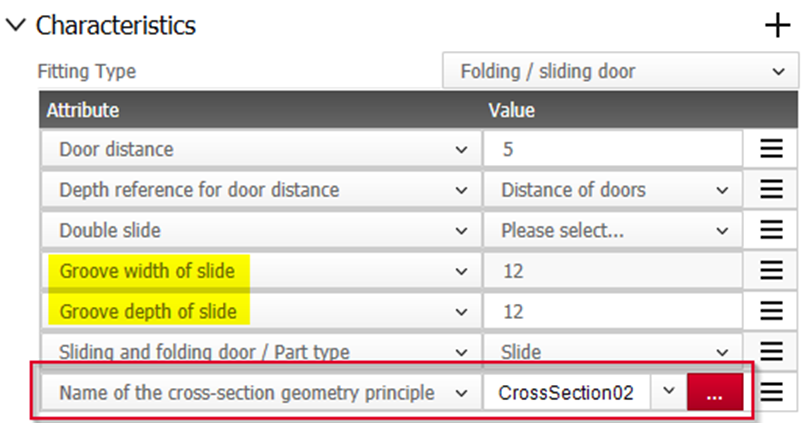
Define a rail using Cross-Section Geometry principles
Similar to the data setup of stretchable purchased parts, you can now also define rail connectors with the help of Cross-Section Geometry principles.
To do this, you need to add the characteristic Name of the Cross-Section Geometry principle in the Connector. Like the "Geometry DWG" characteristic, it takes into account the characteristics "Groove width" and "Groove depth" of the rail.
Note: Alternatively, you can still assign a DWG instead of the principle.
Rail length corresponding to door width
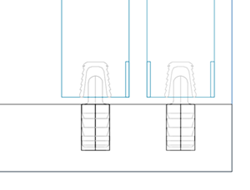
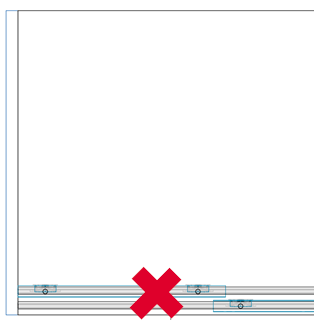
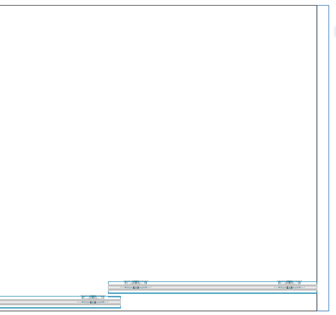
Track connectors that are embedded in edges of sliding doors instead of in shelves automatically adjust to the width of the door.
 ||
Evaluate the width of rails
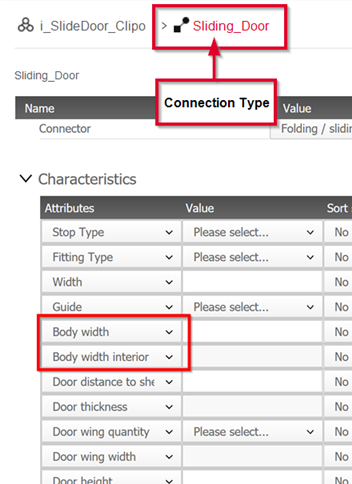
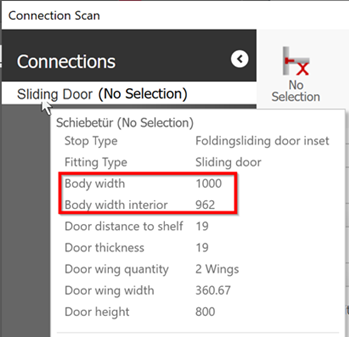
You can now also evaluate the Connector characteristics Body width and Body width interior in the Connection Type Folding/ Sliding door.
|
|