Redesign of the sub-dialog Linear Division
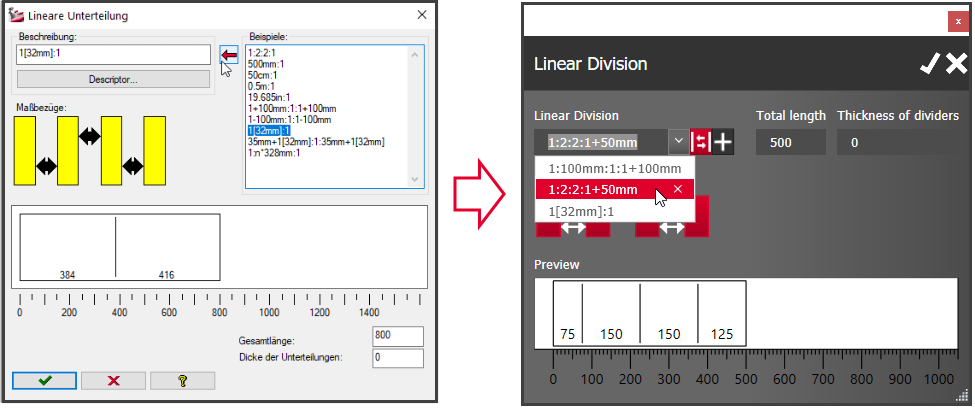
The sub-dialog for Linear Divisions, which can be launched in several places in imos iX, has been revised and adapted to the current design of the imos iX user interface.
You can save the entered formula as a template in the database or in the main data in order to use it again at a later point in time.
The following control buttons are available:
-
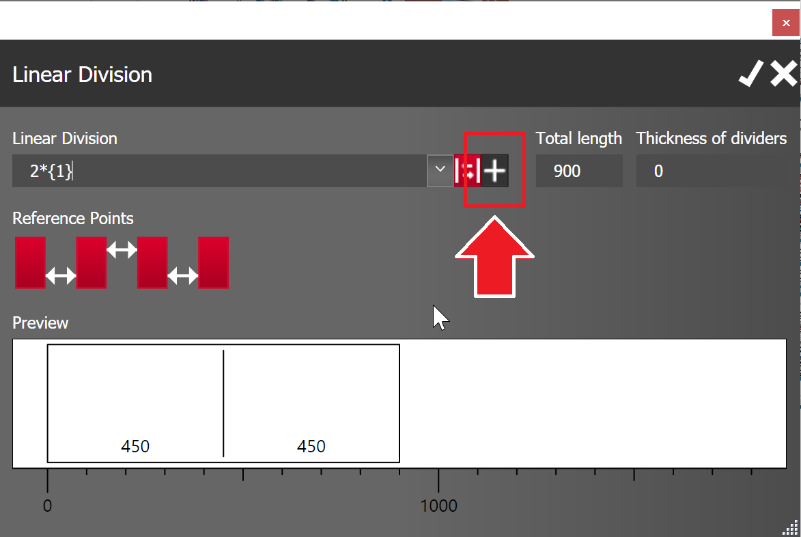
Add template: Click on the "Add template" button at the end of the "Linear division" combo-box.
- Select template: Saved templates can be selected via the combo-box drop-down list.
-
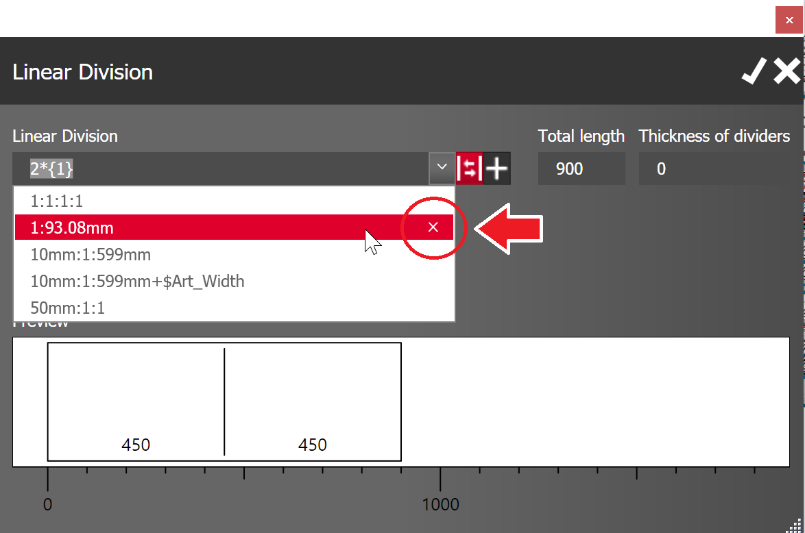
Delete template: Saved templates can be deleted in the combo-box drop-down list by clicking on the cross (x).