
Generische Animationen
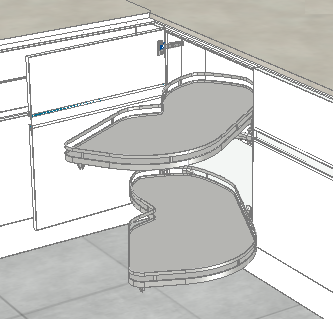
Generic animations expand the planning workflow in imos CAD, PLAN, and NET. They provide an impression of the furniture’s behavior and haptic. In addition, they serve as ‘visual collision control’.
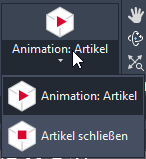
Switch to a shaded visual style and click ‘Animation: Article’ or ‘Animation: Front’ and select the article to start the animation; click on ‘Close articles animation’ to close it.
In CAD you will find these methods under the Presentation tab.
Note: Data driven animation has a higher priority than generic animation. So the program will play the data driven animation if animation paths are stored in the element selected.
May 2020 | iX 2019 SR2
#01142