
Contiguous Cutting Pattern Part
This function is optional and not included in the standard version.
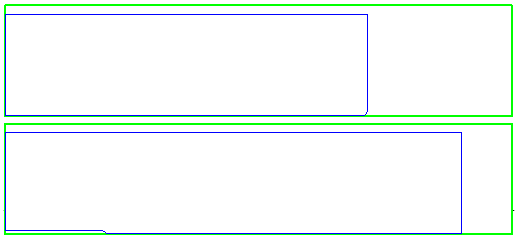
The Contiguous Part Cutting method allows you to generate a cutting pattern part in which slab products (work surfaces, base valences, etc.) are optimally organized on a single axis.
As previously, the components are separated by material and surface and also divided into width classes. The core material selected for the cut is always that which is the closest size to the part height. After selecting all desired contiguous parts, you will see a method dialog in the properties palette. Apply changes using the ‘Execute’ button.
In the lower section of the dialog, you will see details on the cutting pattern part (if several cutting pattern parts are being created, you will only see details for one). Click on the checkmark to confirm the changes and leave the dialog.
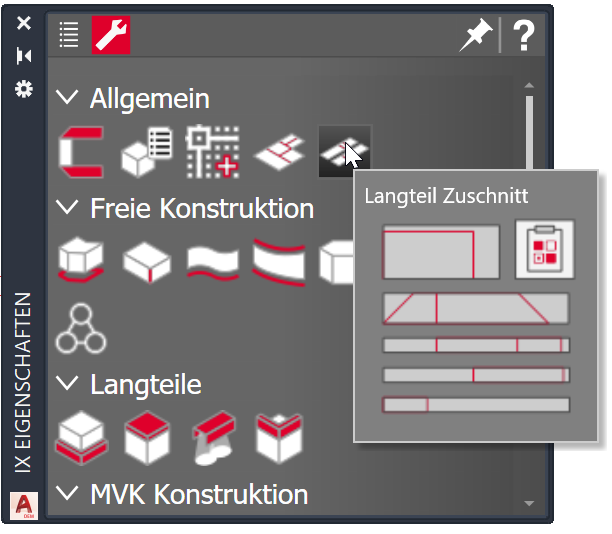
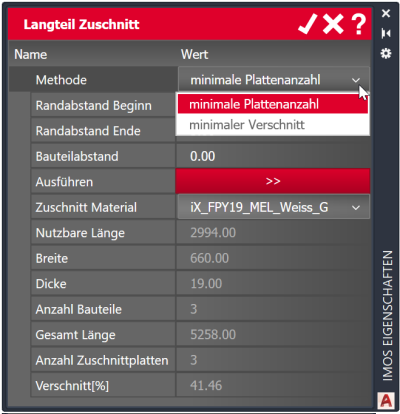
| Option | Description |
| Method |
Select an optimization method: - Minimal cut (takes more time) - Minimal number of panels |
| Border distance start | Distance of parts from start of the cut panel |
| Border distance end | Distance of parts from end of the cut panel |
| Part distance | Distance of parts to each other within the cut panel |
| Execute | Update preview in drawing area |
| Cut material | Select a material principle in which appropriate core materials are defined. |
Nov 2019 | iX 2019
#01209