
imos iX2019 PLAN: Creating scenes
The tool Create scene offers the best-possible environment to render a selected area. In imos CAD you will find the method in the ribbon register tab Output.
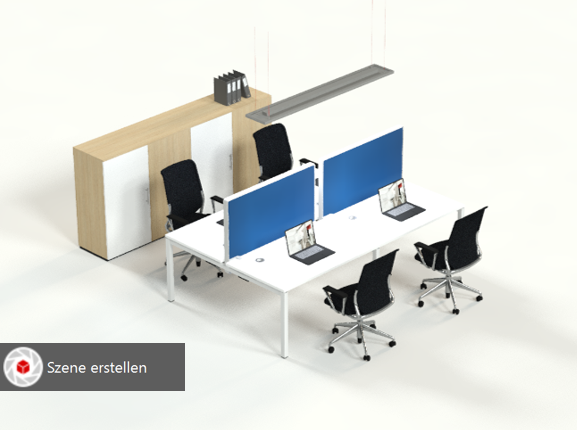
The view will then change to TOP RIGHT and the type of projection to perspective. The view will then change to TOP RIGHT and the type of projection to perspective.
In addition, the view zooms in on the selected articles, filling the screen.
It is possible to make changes to the exposure and background as usual in the AutoCAD palette Adjust exposure.
If it is not included in the selection for the scene, the floor is replaced with a light-grey surface area.
To close the scene when you have finished rendering, click the Close scene button in the ribbon menu.

Note: Errors will occur in the drawing area if you close the scene improperly, for example by pressing the ESC key!
Oct 2019 | imos iX 2019
#01139