Dimensioning principles - General
Access
Ribbon : Main data > Tools > Dimensioning principles Dimensioning principles
Options
| Info text height |
The value defines the height of the Info text in mm. The height of the dimension text is defined in the dimension style. |
| Info Text: Distance Between Lines | Distance between the dimension lines in mm for continuous text. |
| Distance Dim Line -> Dim Line | Defines the spacing between two dimension lines in mm. |
| Distance Part -> Dim Line | Defines the spacing between the part and the first dimension line in mm. |
| Reference length |
If this flag is activated, the height of the dimension text is scaled relative to the part size. The number represents the reference length. If the dimensioned part is the same size as the reference length, the scale for dimensions and info text is set to 1. If the part is larger than the reference length, the scale factor for the dimension is increased accordingly. |
| Layer | Choose the layer on which the dimensioning is placed |
| AutoCAD Dimension Style | Choose a style from the dropdown box. The style can be defined with the Dimension Style Manager. |
| Continuous dimensioning |
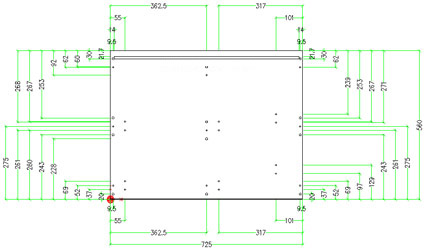
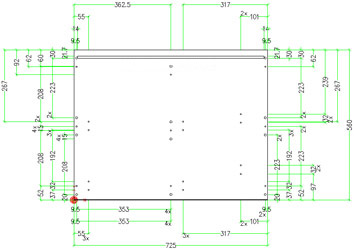
With the help of the checkbox incremental dimensioning can be set on and off. Incremental dimensioning off
Incremental dimensioning on
|
| Ordinate dimensions |
Ordinate dimensions measure the horizontal or vertical distance from an origin (reference point) to an element, such as a groove in a part. These dimensions prevent escalating errors by maintaining accurate offsets of the features from the reference point. |