Dimensioning principles - Frame
Access
Ribbon : Main data > Tools > Dimensioning principles
Options
| Frame |
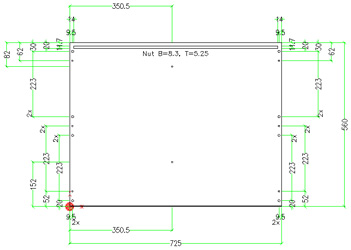
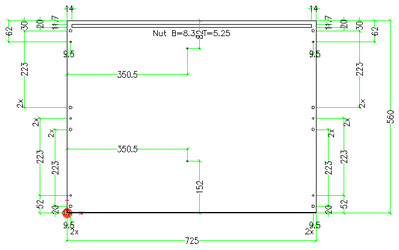
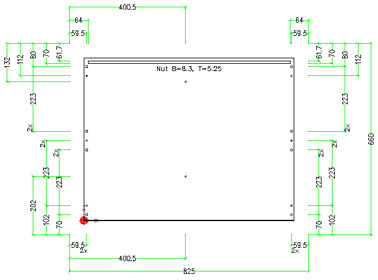
The frame defines the area inside the part where machining should be dimensioned. The entered values define the offset of a construction line from the part edge. The line is moved to the inside of the part. Thereby a rectangle is defined. The dimension lines of machining on the inside of this rectangle are moved to the inside of the part. The other ones are dimensioned outside of the part. If the values for the frame are set to zero, all dimensions are generated outside of the part. Example: Frame = 0
Example: Frame = 50
|
| Reference point offset |
With the support of the reference points the dimensions are moved so that an empty space between the part and the dimension is created.
|