
Transfer Favorites to all Clients
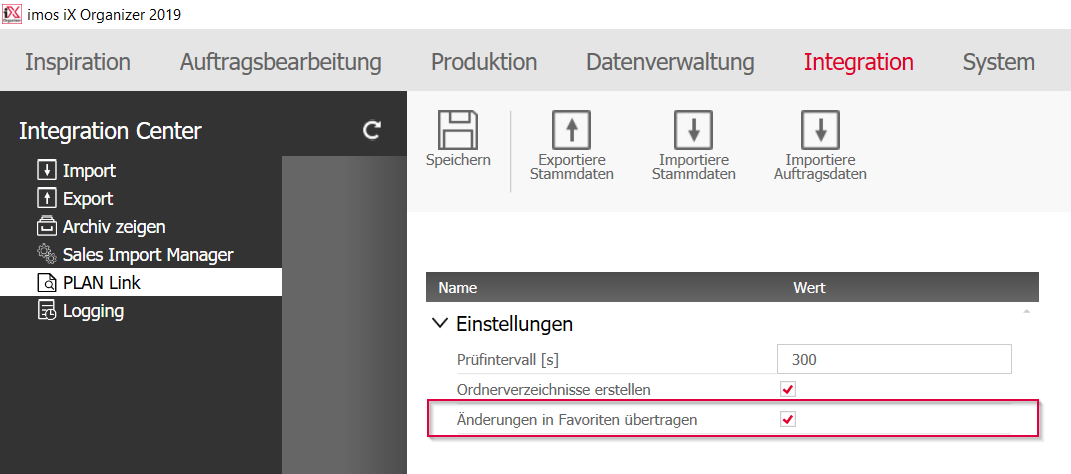
After introducing the iXplorer properties palette in iX PLAN, the data administrator can now also fill in and update the principle selection boxes, by transferring their favorites in the master database to all clients. To do this, they activate the button “Transfer changed favorites” under Integration>PLAN Link.
Hinweis: The data administrator must create favorites for the principles listed below so that iXPlan users are able to apply them in corresponding methods and options:
- Border (drawing border/ layouts)
- Annotation principles
- Floor Plan Dimensioning
- Elevation View Dimensioning
Dec 2019 | iX 2019
#01218