
CAM Report/ Logging
Open and edit principles directly in the Element Manager
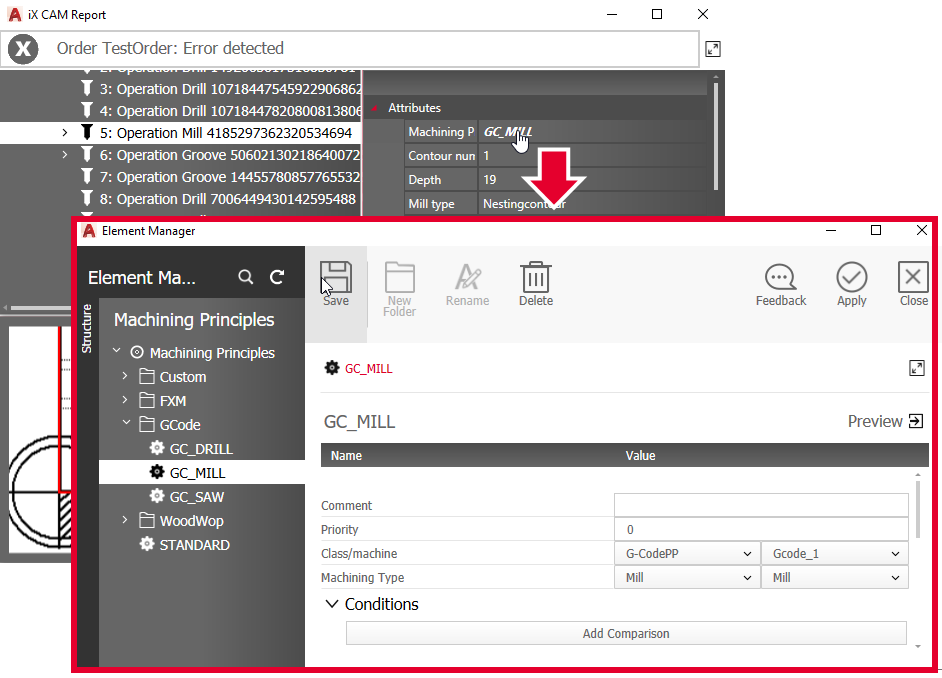
In the Properties area of the dialog iX CAM Report, you can open applied principles directly in the Element Manager with a left-click to check and edit them.
Principles that you can open are highlighted in bold in the Properties.
Animation of milling operations in the preview area
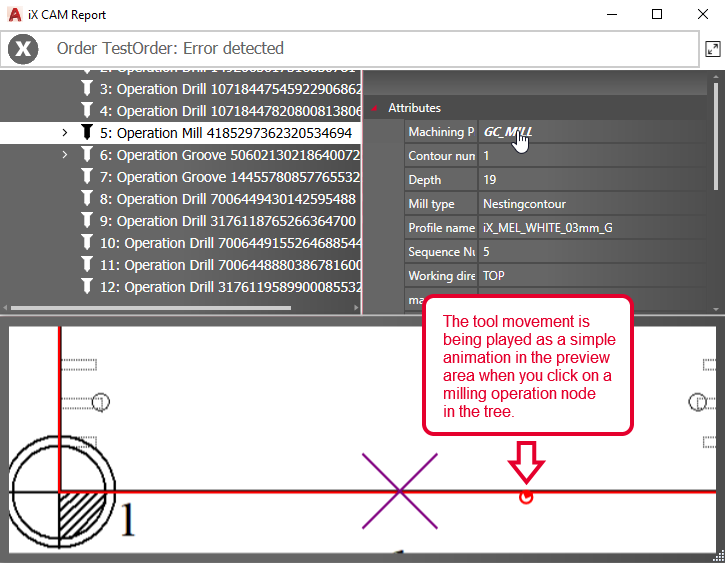
When a milling operation is selected in the iX CAM Report, its tool movement along the milling path is played back as a 2D animation in the preview area. This means you don't have to first close the dialog and start the animation in the drawing area when you are still evaluating the iX CAM report.