
License error 'Cloned Dongle' after making changes to the PC
Context
After making changes to your computer's configuration, you suddenly receive a license error message. On the page http://localhost:1947/, the 'Cloned' flag is set for your license.
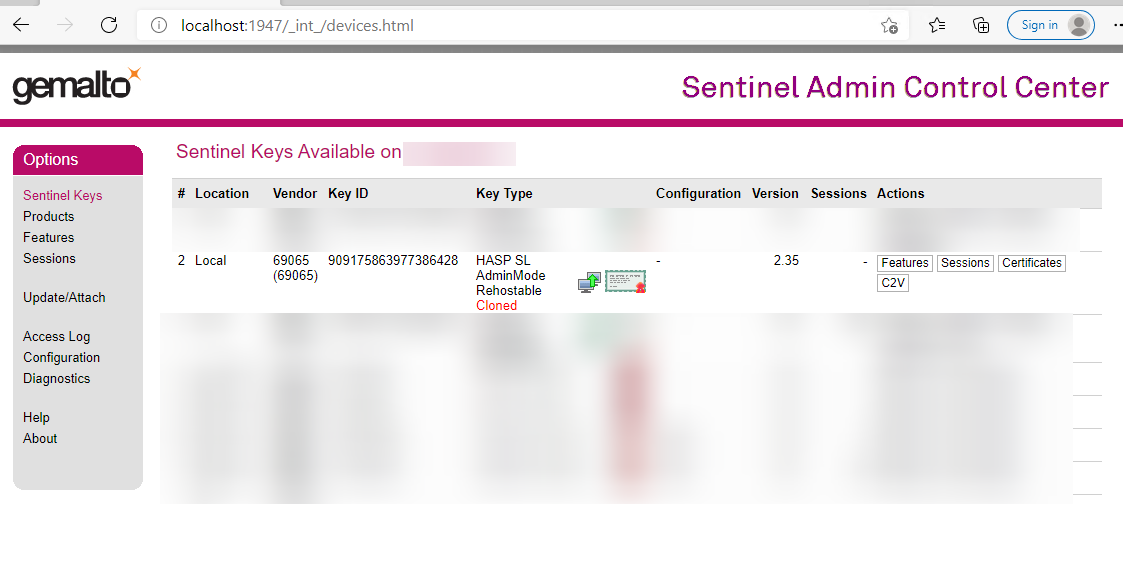
Solution
Procedure
-
Open the page
http://localhost:1947/in your web browser. -
Go to: .
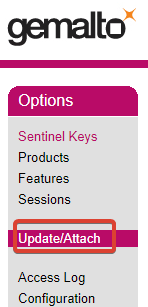
-
Click and save the C2V file of your license to your computer.
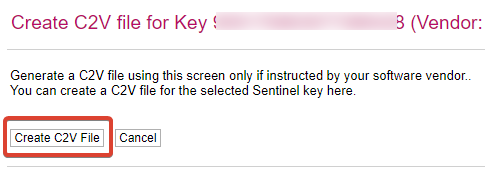
-
Send the file by email to imos Service, referencing this topic.
The imos Service will repair your license and send you back a V2C file.
-
On the page, click and select the V2C file.
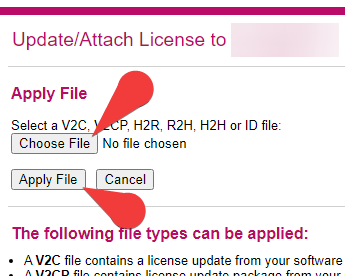
- Click .
- Open the .
-
Go to: .
On the pagehttp://localhost:1947/, the 'Cloned' flag has disappeared and you no longer receive any license error messages.