
Allocating parts to all suitable workflows
This function is optional and not included in the standard version of imos
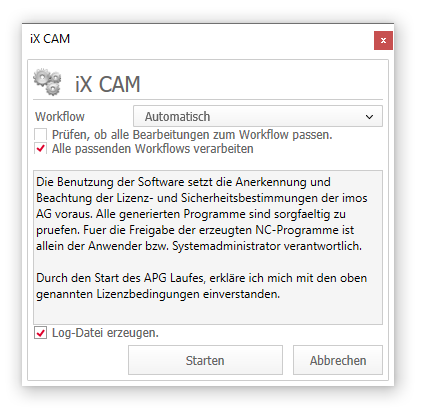
In the create dialog, you will now find the option ‘Process all matching workflows’.
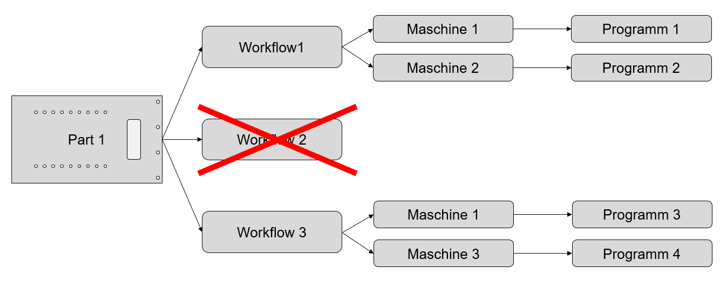
Until now, each part was assigned to a single, matching workflow in the CAM run.
By activating the check box, for each part data is written for all matching workflows (exception: workflows with negative priority). A downstream process can then use the data in order to optimally utilize all machines, e.g. if a machine is not working.
Jun 2019 | imos iX 2019
#01155