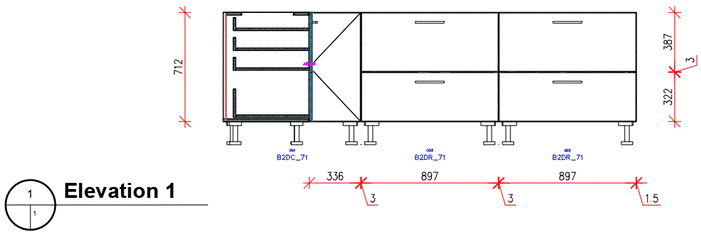
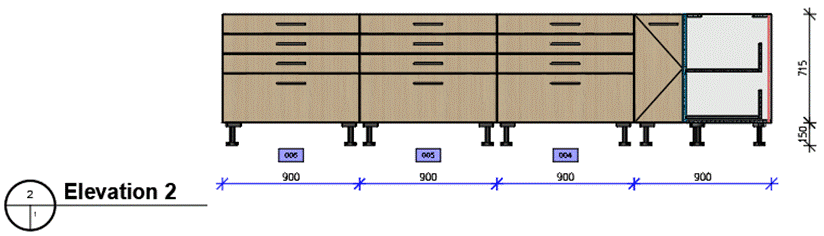
2D Plan View Assistant – Edit Properties of Elevation Indicators
Starting with iX 2023 SR2, you can change the default settings of elevation indicators in
2D plan views created with the '2D Plan View' assistant function. Generating elevation
views for the purpose of changing the default settings later is no longer required.
Procedure:
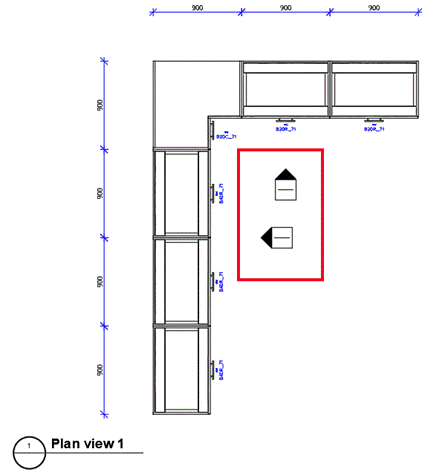
- Create a floor plan using the '2D Plan View' assistant function. The assistant adds
elevation indicators for elevation views during creation. The default properties of
the elevation indicators match those applied during the last creation of a view.
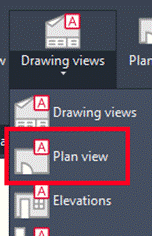
- Click 'Refresh View' in the ribbon.
- Select one or more elevation indicators you want to edit.
- Edit the properties of selected elevation indicators in the iX Properties palette.
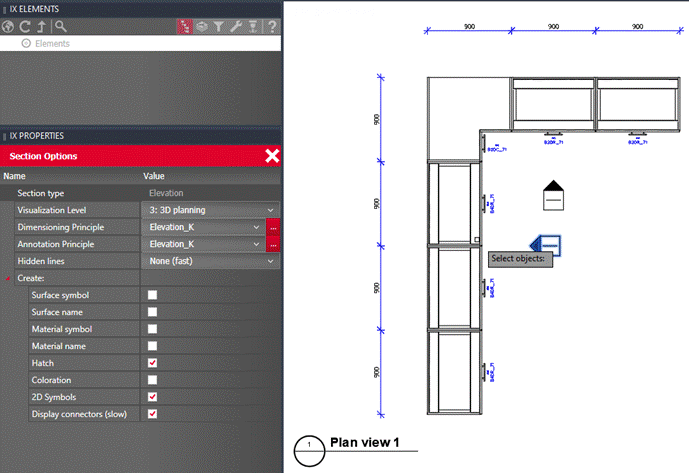
- Apply the changes by right-clicking in the drawing area.
- Create elevation views using the '2D Elevation View' assistant function.
Result: The elevation views are created according to your individual specifications.