
Graphic_inch.ini for the USA
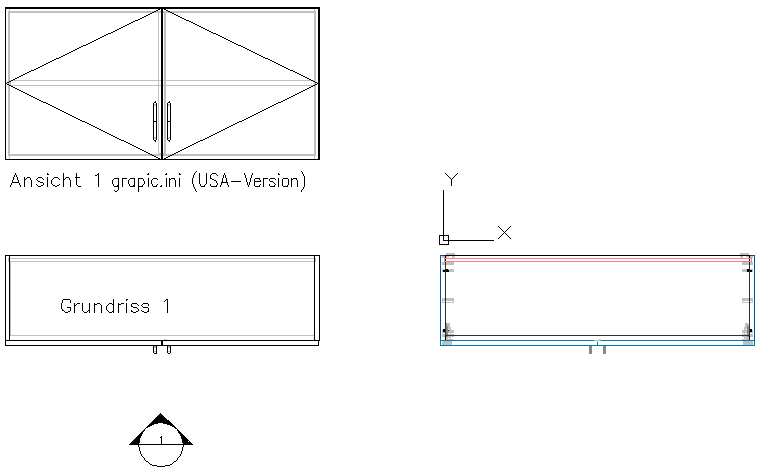
We distribute a GRAPHIC.INI for the USA where the 2D symbols on doors and windows are mirrored.
You can download it here.Proceed as follows:
Note: This process should only be done by iX data administrators.
- Open the user specific config directory.You can find the folder here:
-
C:\User\<user name>\AppData\Roaming\imos AG\imos iX CAD OEM 2019\config
or
- C:\Users\<user name>\AppData\Roaming\imos AG\imos iX CAD 2019\config
-
- Backup the Graphic.ini located there, e.g. as a Graphic_EU.ini
- Download the Graphic_USA.ini
- Copy the Graphic_USA.ini to the user specific folder
- Rename Graphic_USA.ini to Graphic.ini
If you plan to add another Windows user, we advise you to also copy the renamed file to the directory...
-
C:\Program Files\imos AG\imos iX CAD OEM 2019\BIN\UserConfigDataCache
or
- C:\Program Files\imos AG\imos iX CAD 2019\BIN\UserConfigDataCache
.