User groups
With User groups, you can control access rights to individual projects as an administrator.
Example of a user group for guests:
You want to make one or more user accounts with an iX Scout license available to an assembly subcontractor.To do this, create a user group called "Assembly" in iX Scout and assign the user accounts to the group.In the project for which you commission the subcontractor, you assign the "Assembly" user group.This allows the subcontractor to access the project in iX Scout.
Administrator
You are considered an administrator if you have uploaded at least one order to iX Scout.
Manage User groups
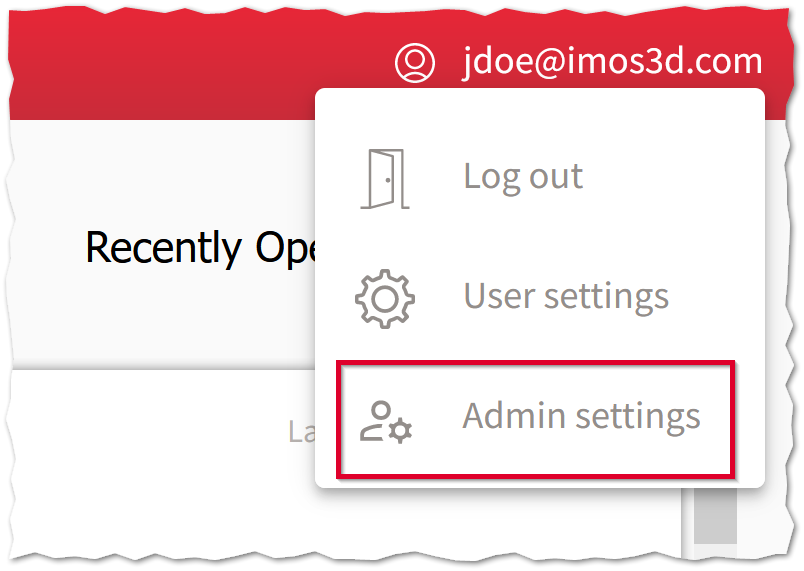
You manage the user groups under Account Menu > Administrator Settings.
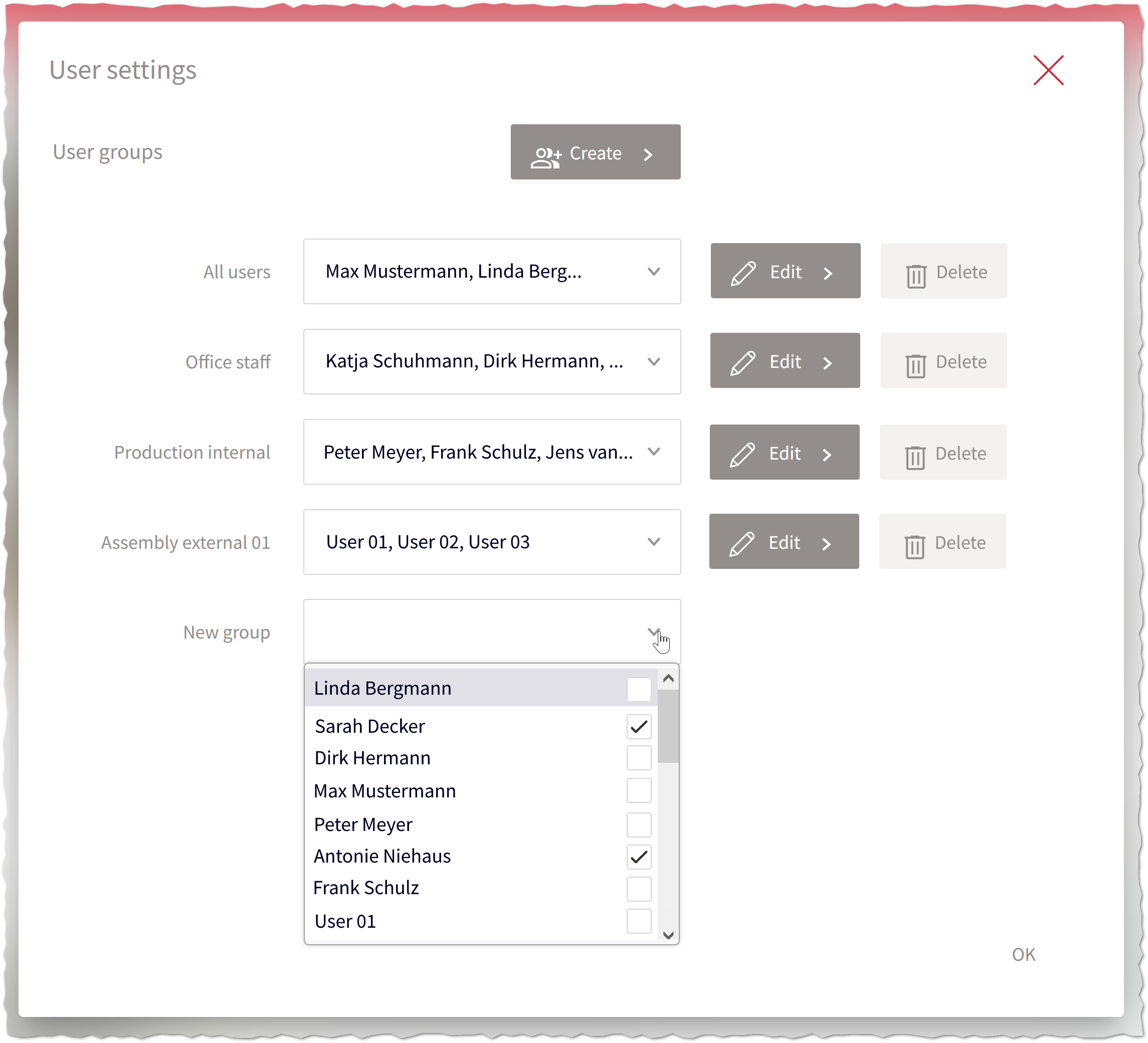
Here you create user groups and assign them the desired user accounts. Initially, each user is part of the All Employees group, that has access to all orders.
Assign User groups
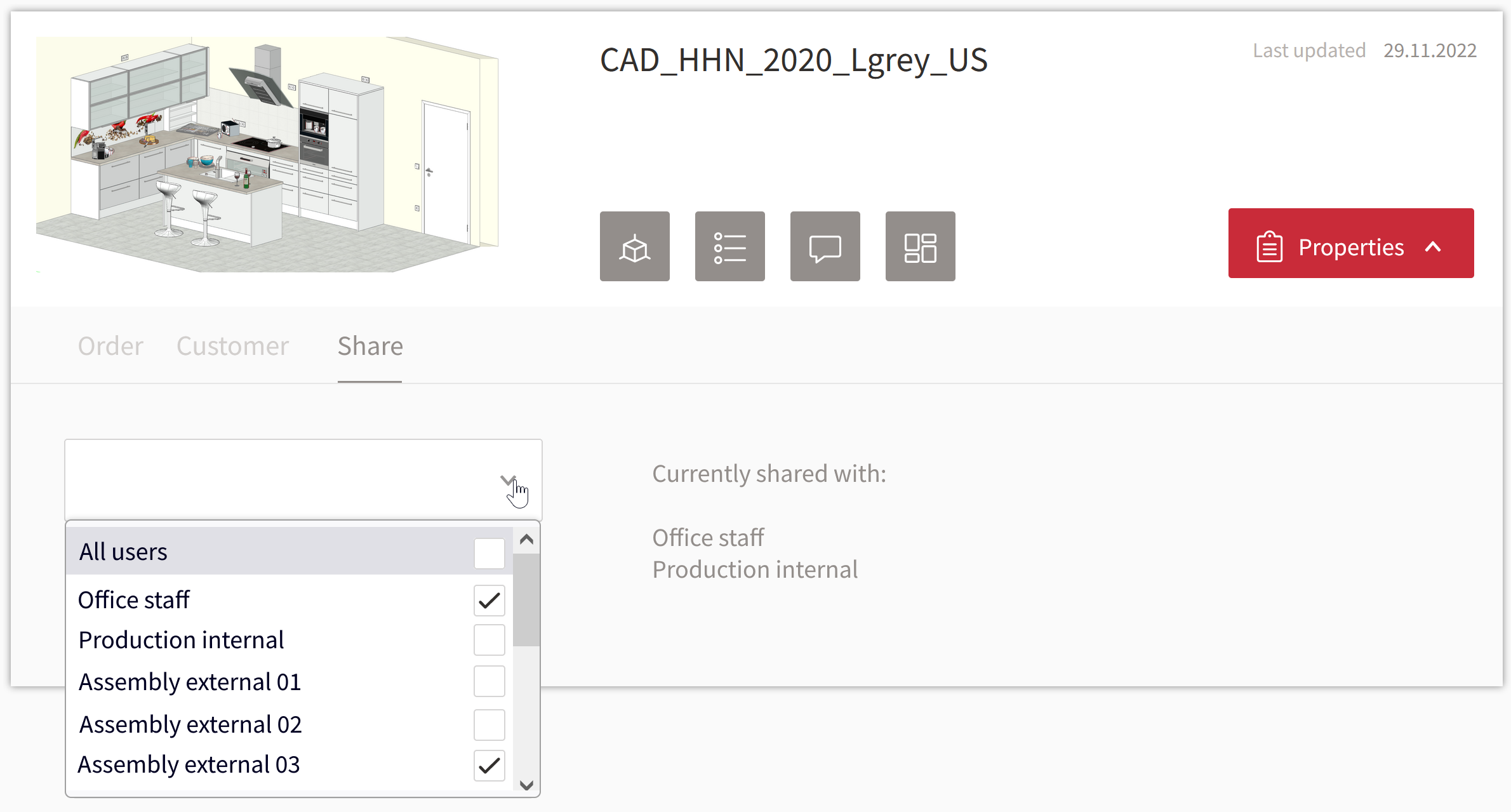
You can assign user groups on the iX Scout start page . In each project tile, you will find the Share tab with a combo box for selecting or deselecting groups.