
Change barcode settings
Question
How can I change the barcode, to use the first 4 digits of the order name?
Answer
Open imos Options to change the barcode settings.Define the barcode on the 'General' tab.
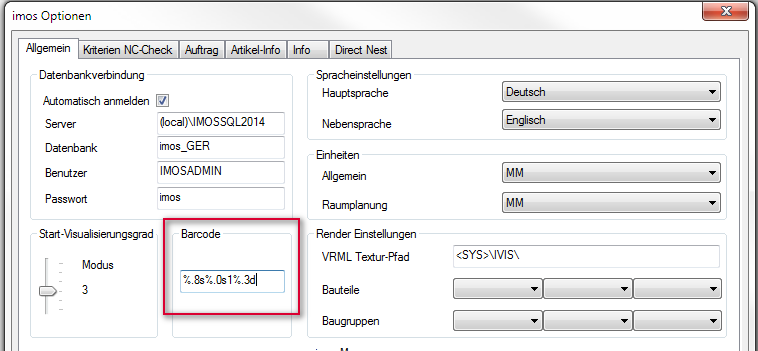
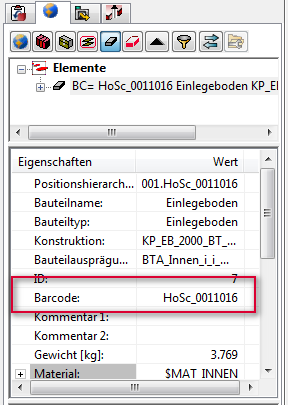
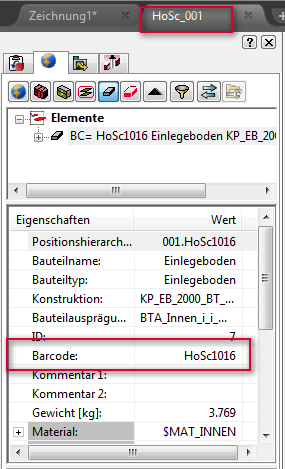
To use the first 4 digits of the order name for the barcode, change the setting from "%.8s%.0s1%.3d" to "%.4s%.0s1%.3d"
Related topics
- Adapt Barcode Size
March 2017 | Version 12SR2
#00676